







Keyboard Extension
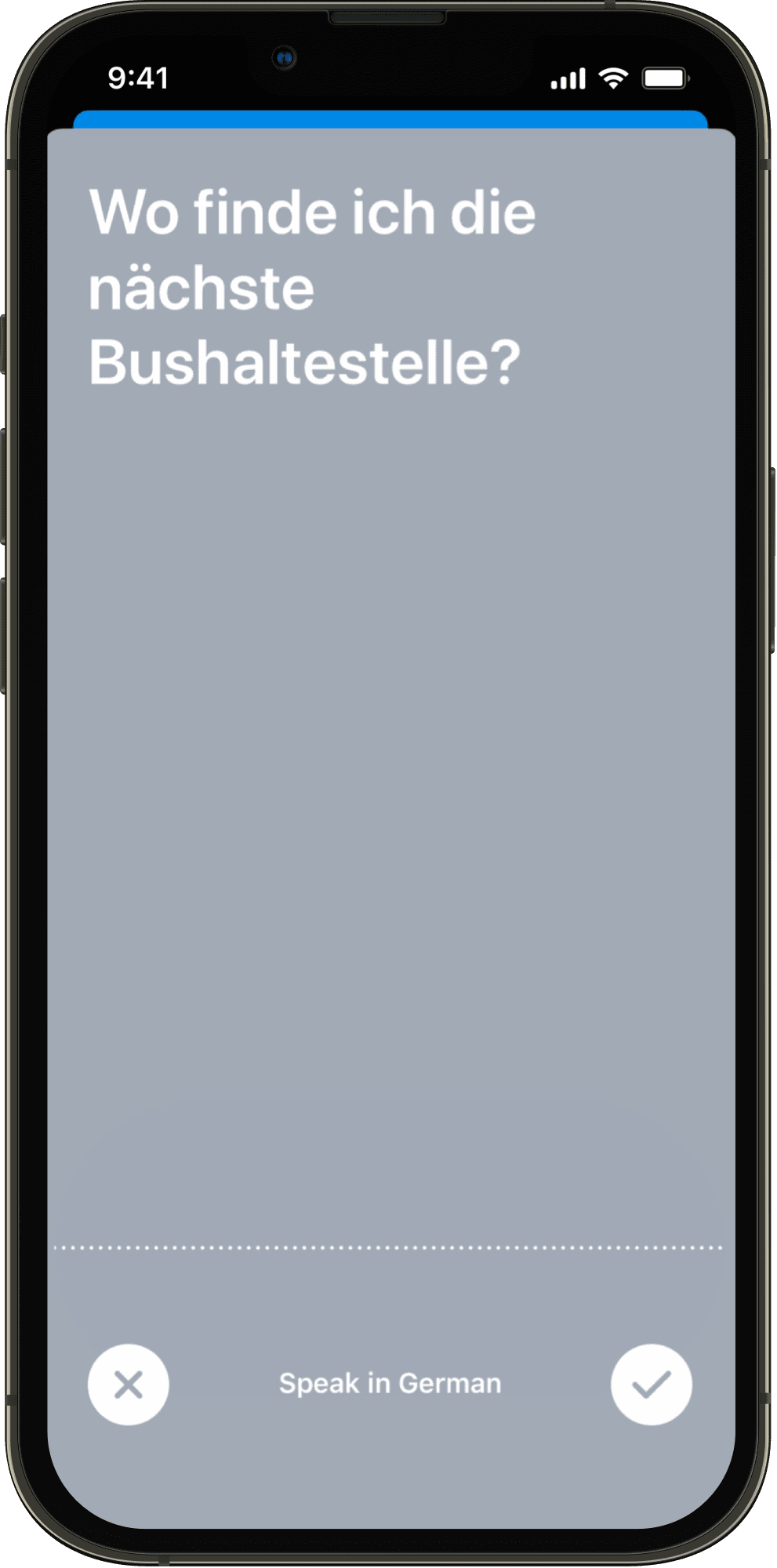
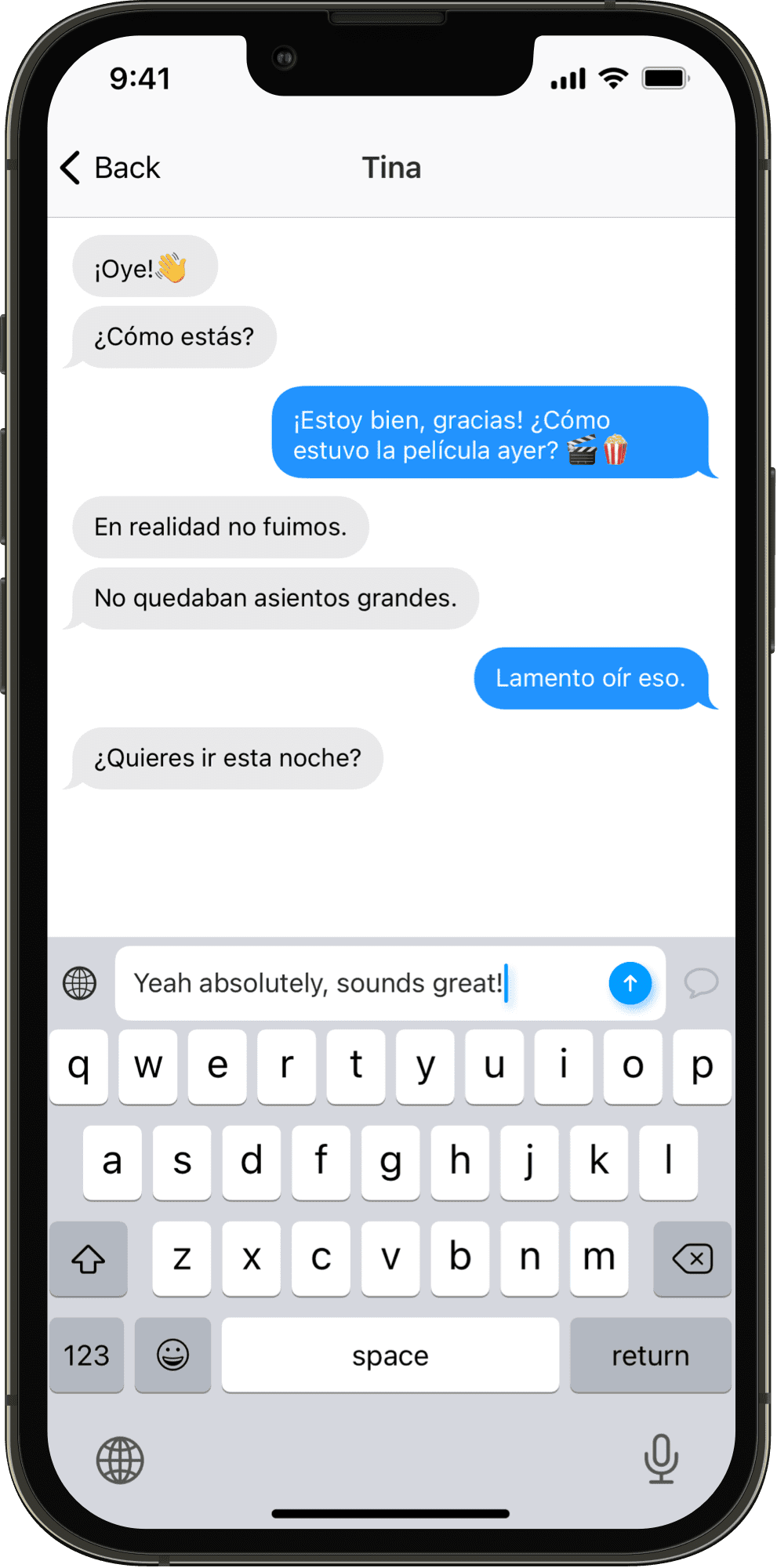
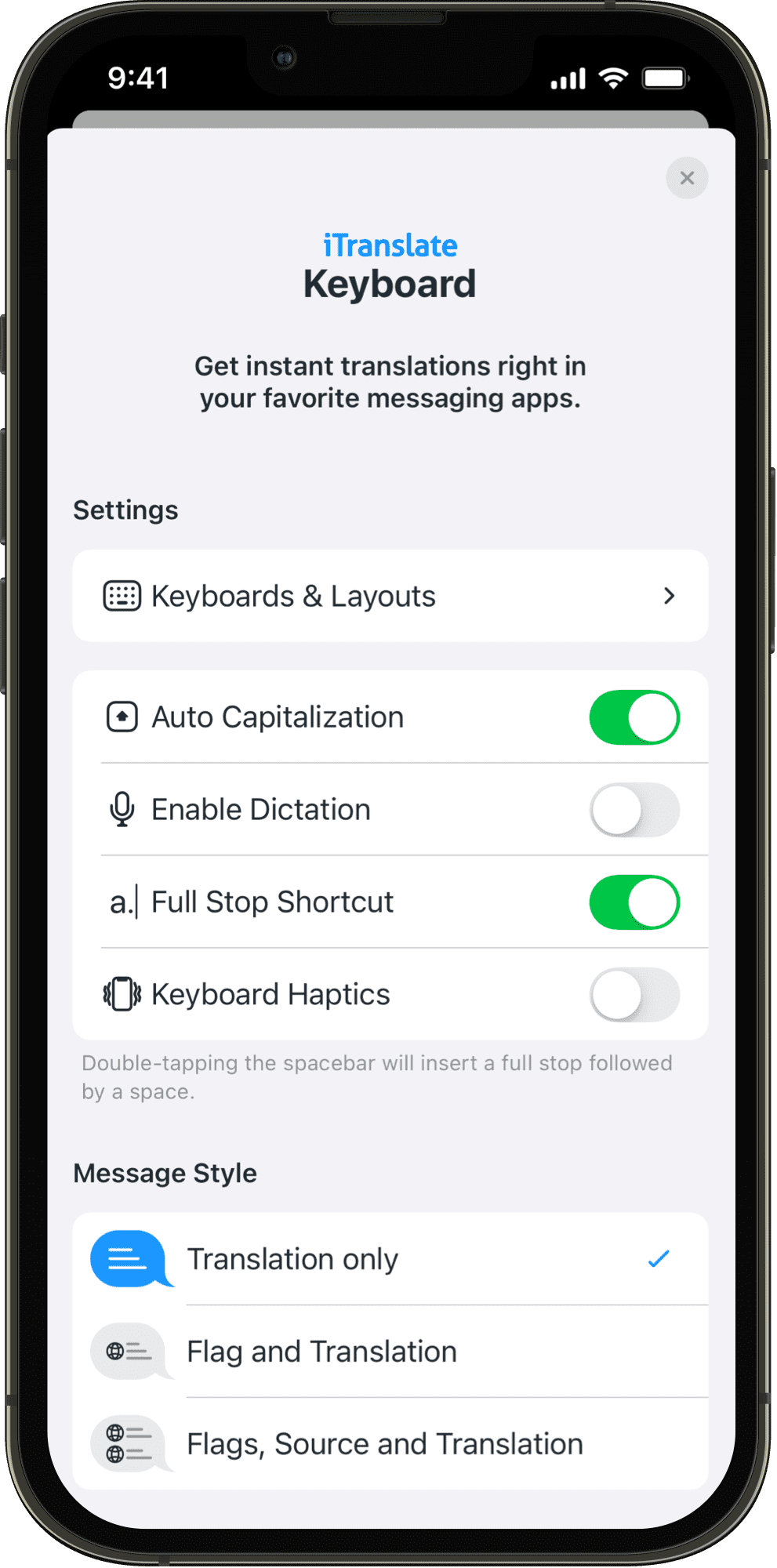
Get instant translations right in your favorite messaging app. With iTranslate’s keyboard extension you can stay in touch with friends all over the world.
Setup
Keyboard
Follow the instructions below to setup the iTranslate Keyboard:
 Open iOS “Settings” App
 Go to “iTranslate”
 Open “Keyboards”
 Enable “iTranslate”
- Allow Full Access
Activation and Usage
After installing you can activate the keyboard:
 Open iOS keyboard
 Tap & hold the globe icon
 Select “iTranslate”